At a manufacturing SMB, I met a team of three developers building a genuinely interesting inventory management application. Clean interface, thoughtful logic — in short, the client was really happy with his developers. He was proudly showing me the work until I asked how the code was validated before each release.
His answer: “We review it.”
That was it.
They are not alone. I keep running into highly competent development teams with no automated security controls on their code. The product is impressive. The validation simply does not exist.
Yet the tools to close that gap exist, and some are free.
Here are a few paths I share with clients, for example if your company develops on GitHub.
A Reminder: What Are GitHub Actions?
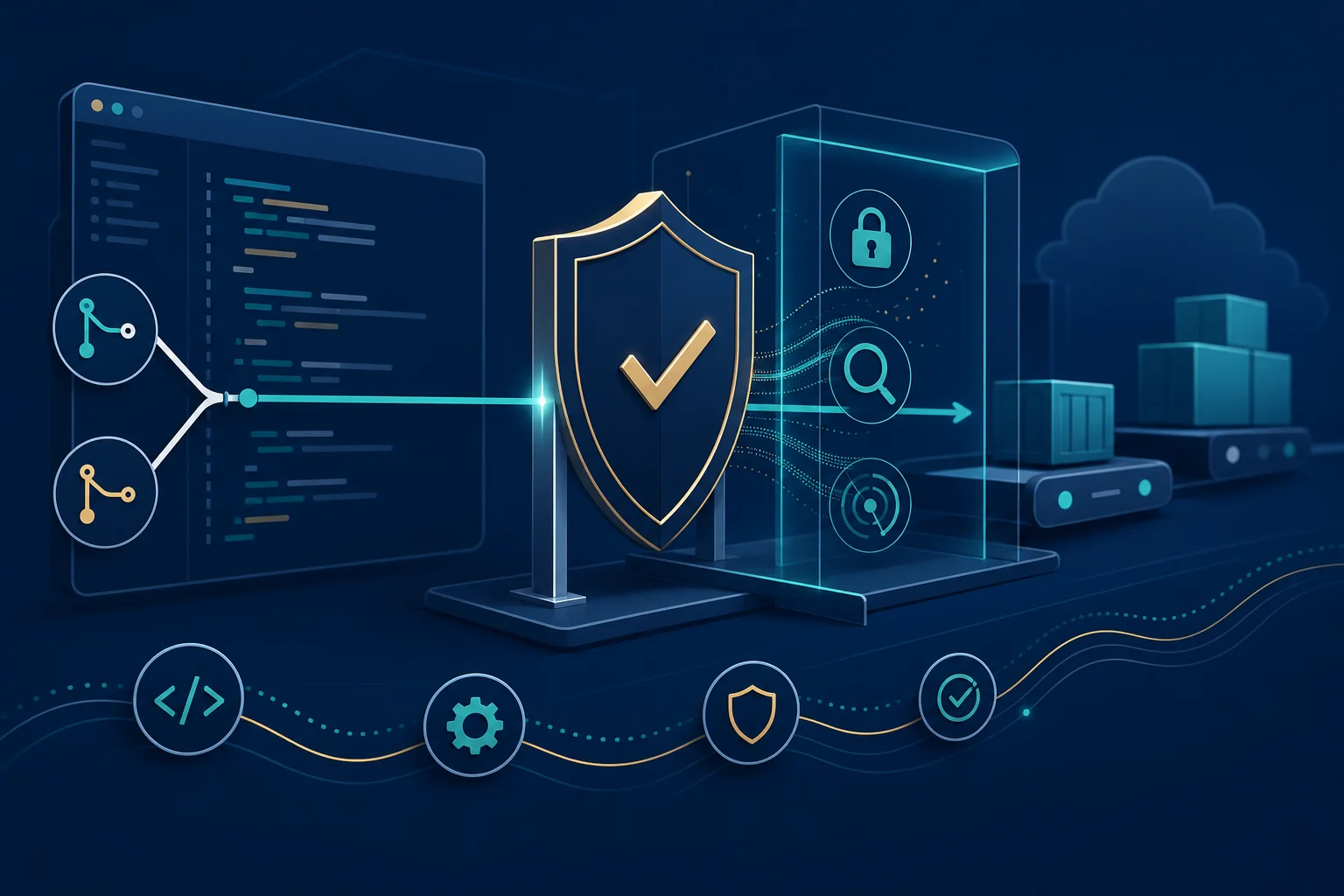
GitHub hosts the code for most Quebec SMBs that build software. GitHub Actions is the platform’s built-in automation mechanism: every time a developer pushes code, GitHub can trigger a series of checks before that code reaches production.
The mechanism to ship code already exists in your environment. The question is whether you give it any real work to do.
The Hesitation I Keep Seeing
Every check added to the pipeline slows delivery. A developer who needs to ship a feature by Friday does not always see the point of waiting ten more minutes for a security scan. And nobody on the team has an explicit mandate to block a release for security reasons.
I understand the hesitation, because once the tool is in place, it runs without effort for the team. But who owns the responsibility to slow down, verify, and make the call?
4 Open Source Tools Worth Knowing
Here are four tools I have seen in the field, each with a specific role — in the order I recommend deploying them.
Tool 1 — Gitleaks: secrets forgotten in code
Gitleaks scans a Git repository’s full history to catch secrets pushed by mistake, such as:
- an API key hard-coded in a file
- a password left in a configuration file
- an access token buried in an old commit
I have already seen a cloud access key end up in a public GitHub repository through a mundane human error. Once pushed, a secret remains in the repository history even if you remove it from the file afterward. Gitleaks would have caught it before the push went through.
Tool 2 — Trivy: flaws in your dependencies and containers
Trivy checks whether the components your team uses contain publicly known vulnerabilities, across:
- project libraries and dependencies
- container images (Docker)
- infrastructure as code (IaC)
- Kubernetes environments
Tool 3 — Semgrep: coding mistakes that open security holes
Semgrep performs static code analysis across multiple languages, using rule sets. It can find, for example:
- a poorly built database query, known as SQL injection
- a password or key written in plain text in the code
Tool 4 — Bandit: the same logic, built for Python
Bandit applies the same approach as Semgrep, but is built specifically for Python. Relevant if your team develops in that language.
The Link to ISO 27001
These tools are not just good technical practice. They map directly to specific controls in the standard.
Annex A of ISO 27001:2022 includes control 8.28 (secure coding), which requires organizations to have rules for writing code that does not introduce avoidable vulnerabilities. A scanner like Semgrep or Bandit integrated into the pipeline is not a luxury: it is concrete evidence that the control exists and works, not just on paper.
There is also control 8.29 (security testing in development and acceptance), which requires security to be verified before production, not discovered afterward by a client or attacker. And control 8.8 (management of technical vulnerabilities), which covers exactly what Trivy does with your dependencies and containers.
At minimum, an auditor will ask a simple question: show me how you know your code does not contain a known vulnerability before it goes to production. Without one of these tools in the pipeline, the honest answer is often: we do not know.
A Simple Implementation Guide
You do not need to implement everything at once. The easiest place to start is Gitleaks. Here is how your team activates it, step by step:
- In the GitHub repository, open the Actions tab.
- Click New workflow and search for “Gitleaks” in the GitHub Marketplace.
- Select the action published by Gitleaks and let GitHub create the default configuration file in the
.github/workflowsfolder. - Commit that file directly to the repository.
- On the next code push, the scan runs automatically. Results appear in the Actions tab, with a green check or an alert if a secret is detected.
Five steps, no server to install, no cost. Once that first scan works, the same logic applies to the other tools: each has its own ready-made action on the Marketplace, and you add them the same way.
Next, add a dependency scanner like Trivy to your pipeline. Most vulnerabilities that hit an application do not come from code your team wrote, but from the libraries it imported.
The static code scanner — Semgrep or Bandit, depending on language — comes third, once the first two run without too many false positives.
It is not your vendor’s job or an external consultant’s job to set this up for you. Your team writes the code; your team must own these controls. My role is to help you know what to require and document that it works, the day an auditor or client asks the question.
In short, the technical skill of your development team has never been the problem I encounter. What is missing is the control between their code and production. These four tools are free, deployable in a day, and give you a clear answer the next time someone asks.
I do not know whether your team already has this kind of validation in place. If not, it is probably the simplest gap to close this week.
What method do you use to detect flaws in your code?